The Website Foundation
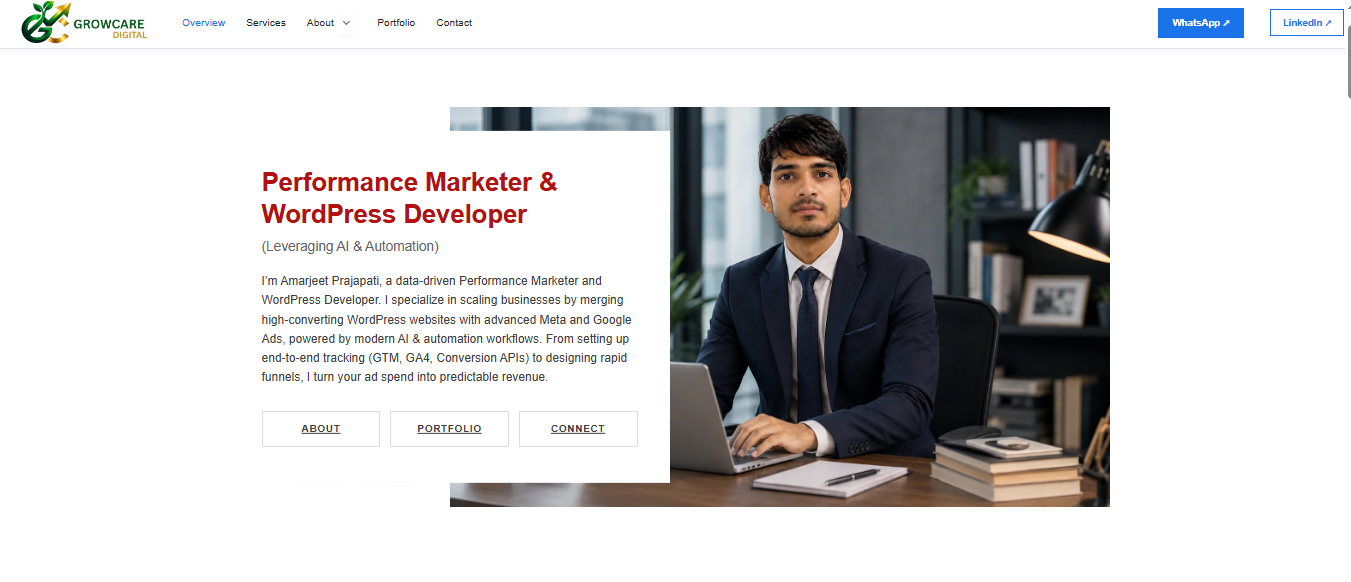
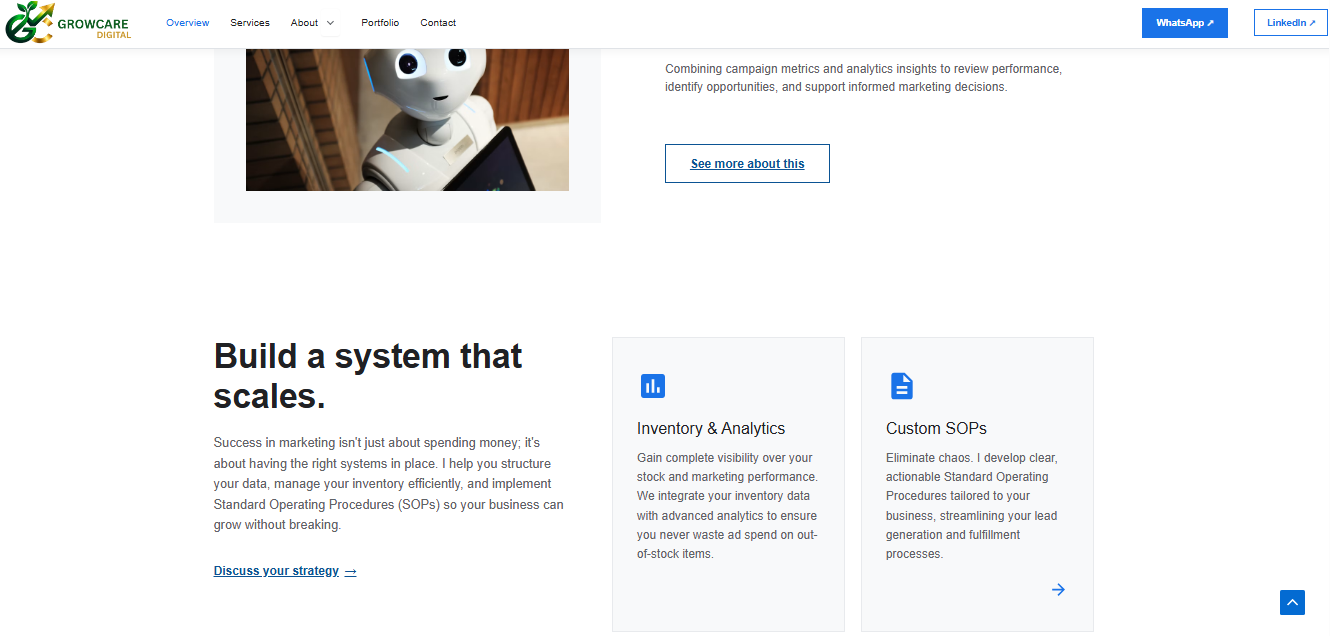
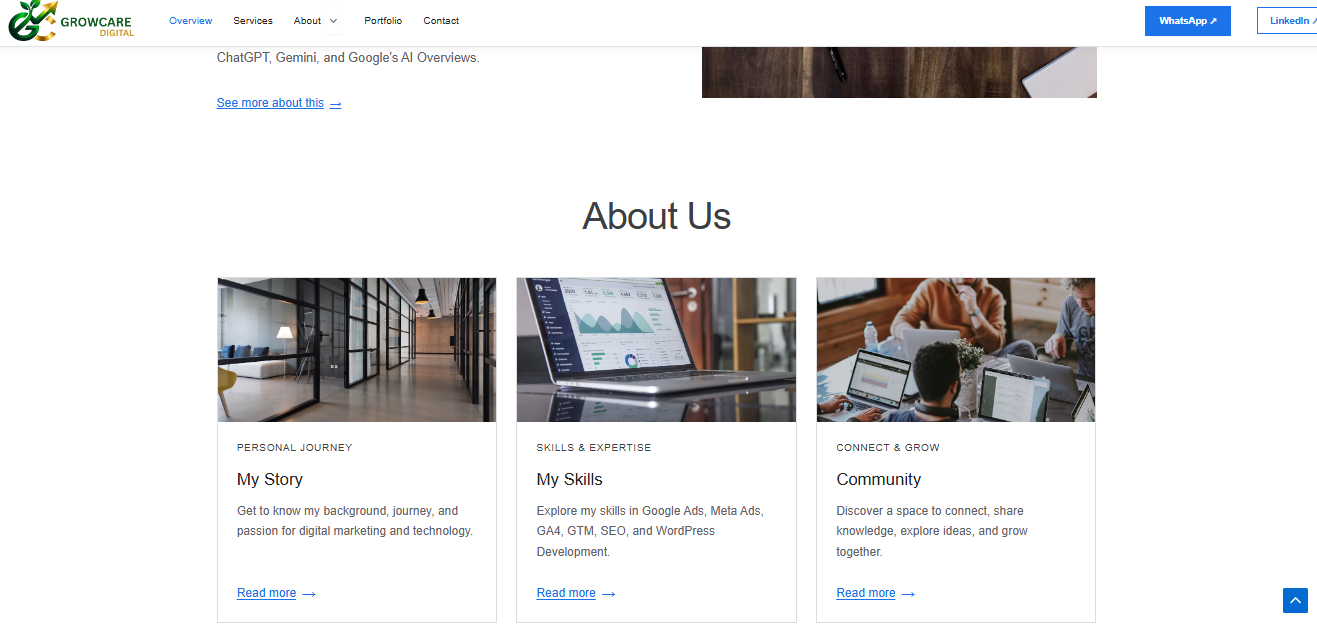
Every digital marketing strategy begins with a strong Website Foundation. A website is not just a place to display information online. It represents a business's digital identity and creates the first point of connection with potential customers. That is why its purpose, design, and structure must be planned carefully.
Before building a website, it is important to understand why a business needs it and what it should achieve. The purpose of a website is not simply to establish an online presence. It should help the right audience discover the business, understand its offerings, and take the next step.
Main Objectives of a Business Website
- Business Identity: Present the business, its services, and its brand online.
- Information: Provide customers with clear and accurate information about products and services.
- Trust Building: Build credibility through professional design, useful information, reviews, and work examples.
- Lead Generation: Generate potential customers through contact forms, phone calls, and WhatsApp.
- Conversion: Guide website visitors towards becoming customers.
Why Is This Important?
When the purpose of a website is clear, its content, design, and individual pages can be developed in the right direction. A website without a clear objective may provide information, but it often fails to guide visitors towards meaningful action.
Once the website's purpose is defined, the next step is to create the right Structure and Design. A website should be organised in a way that helps visitors understand what the business does, which services it offers, and where they can find the information they need.
Essential Sections of a Business Website
- Header: The logo and main navigation menu that help visitors move between pages.
- Overview / Home: An introduction to the business, its main offering, and key information.
- Services: Details about the services offered and the value they provide.
- Portfolio: Examples of work, projects, and practical experience.
- About Us: The business story, team, and approach to work.
- Contact: Phone, email, WhatsApp, and contact form options.
- Footer: Important links, contact details, and additional information.
What Should Be Considered in Website Design?
- The design should be clean, simple, and well organised.
- The website should work properly on both mobile and desktop devices.
- Page loading speed should be good.
- Fonts, colours, and spacing should look consistent.
- Navigation and important information should be easy to find.
Why Is This Important?
A well-structured website helps visitors find the right information without confusion. It improves usability, creates a professional impression, and makes the overall website experience easier.
Getting visitors to a website is not enough. The important thing is to show them relevant information and make it clear what they should do next. This is known as User Attention and Action Flow.
How to Guide Visitor Attention
- Clear Headline: Explain what the business offers right at the beginning.
- Relevant Content: Provide useful information related to the visitor's needs.
- Visual Hierarchy: Arrange headings, images, and important information in the right order.
- Call to Action: Provide clear options to contact the business, submit a form, or enquire about a service.
- Simple Form: Ask only for essential information so visitors can complete the form easily.
- Trust Elements: Build confidence through portfolio examples, reviews, and previous work.
Example of a Visitor Journey
A visitor arrives on the website → understands the business and its services → explores work examples → builds trust → submits a contact form or makes a phone call.
Why Is This Important?
The real purpose of a website is not just to keep visitors on a page. It should provide the right information and guide them towards a useful action. When the visitor journey is simple, the chances of receiving enquiries and potential leads increase.
Understanding Google Tag Manager
After building a strong website, the next step is to understand what visitors are doing on it. This is where Google Tag Manager (GTM) becomes important. It helps manage tracking codes and collect useful interaction data without repeatedly editing the website's source code.
A website can receive visitors, but simply knowing the number of visitors is not enough. A business also needs to understand how people interact with its website. Google Tag Manager helps organise and manage tracking codes that collect information about these interactions.
Main Purposes of Google Tag Manager
- Tag Management: Manage different tracking codes from one central platform.
- Event Tracking: Track actions such as button clicks, form submissions, and other interactions.
- Website Measurement: Send relevant tracking information to analytics and advertising platforms.
- Code Management: Reduce the need to manually add separate tracking scripts to the website.
- Tracking Control: Manage when and under what conditions tracking tags should fire.
Why Is This Important?
Without proper tracking, a business may know that visitors are coming to its website but may not know what actions they are taking. GTM helps create a structured tracking setup so that important interactions can be measured.
Before tracking website activities, Google Tag Manager must be properly connected to the website. This begins with creating a GTM account, setting up a container, and installing the container code on the website.
Essential Setup Steps
- Create an Account: Create a Google Tag Manager account for the business or website.
- Create a Container: Create a web container for the website that needs tracking.
- Install GTM Code: Add the GTM container snippets to the appropriate locations on the website.
- Verify Installation: Use Tag Assistant or GTM Preview mode to check whether the container is connected correctly.
- Organise the Workspace: Keep tags, triggers, and variables organised with clear names.
Important GTM Components
- Tags: The tracking codes or scripts that send information to other platforms.
- Triggers: The conditions that decide when a tag should run.
- Variables: Values that provide additional information to tags and triggers.
Why Is This Important?
A correct setup creates a reliable foundation for website tracking. If the container is installed incorrectly or tracking components are not organised, data collection may become incomplete or inaccurate.
Once GTM is installed, the next step is to decide which website activities should be tracked. These activities are configured using tags, triggers, and variables. The goal is to collect useful information about how visitors interact with the website.
Important Website Activities to Track
- Page Views: Understand which website pages visitors view.
- Button Clicks: Measure clicks on important buttons such as Contact, Call, or WhatsApp.
- Form Submissions: Track when visitors successfully submit an enquiry form.
- Outbound Clicks: Measure clicks that take visitors to external websites.
- Scroll Tracking: Understand how far visitors move down a webpage.
- Custom Events: Track specific actions that are important to the business.
Testing and Publishing
- Use GTM Preview mode to test the configured tags.
- Check whether the correct triggers are activating.
- Verify that events are being sent to the intended platforms.
- Fix errors before publishing the container.
- Publish the tested changes with a clear version name.
Why Is This Important?
Tracking helps a business understand which actions visitors take and which interactions matter most. Reliable event tracking provides useful information for measuring performance and making better decisions.
Understanding GA4 & Meta Pixel
After setting up website tracking through Google Tag Manager, the next step is to understand and measure visitor behaviour. Google Analytics 4 (GA4) and Meta Pixel help collect and analyse website activity, measure important events, and understand how people interact with a business online.
A website may receive visitors and generate interactions, but a business needs reliable measurement to understand what is happening. GA4 and Meta Pixel help measure different aspects of website activity and provide information that supports better marketing decisions.
Purpose of Google Analytics 4 (GA4)
- Traffic Analysis: Understand how users arrive at the website.
- User Behaviour: Analyse how visitors interact with pages and content.
- Event Measurement: Measure important actions such as clicks, form submissions, and purchases.
- Audience Insights: Understand user activity and engagement patterns.
- Performance Analysis: Evaluate website performance using reports and data.
Purpose of Meta Pixel
- Conversion Tracking: Measure selected actions taken by visitors after interacting with Meta ads.
- Audience Building: Create eligible website audiences for advertising.
- Ad Measurement: Understand how website activity relates to Meta advertising campaigns.
- Campaign Optimisation: Support optimisation using relevant conversion signals.
Why Is This Important?
Without measurement, it is difficult to understand whether website visitors are engaging with the business or completing important actions. GA4 and Meta Pixel provide different measurement perspectives that help businesses evaluate their digital performance.
After understanding the purpose of both platforms, the next step is to configure them correctly. Google Tag Manager can be used to manage the required tracking tags and send relevant event data to GA4 and Meta Pixel.
Google Analytics 4 Setup
- Create a GA4 Property: Set up an Analytics property for the business website.
- Create a Data Stream: Configure a web data stream for the website.
- Get Measurement ID: Identify the GA4 Measurement ID required for the tracking configuration.
- Configure Through GTM: Set up the appropriate Google tag and event tags in Google Tag Manager.
- Verify Connection: Check incoming activity through Tag Assistant and GA4 Realtime reports.
Meta Pixel Setup
- Create a Data Source: Set up a Pixel through Meta Events Manager.
- Get Pixel ID: Copy the Pixel ID associated with the website.
- Configure Through GTM: Set up the required Meta Pixel tag and triggers.
- Configure Events: Select relevant standard or custom events for the business.
- Test Events: Use Meta Events Manager and Test Events to verify the setup.
Why Is This Important?
Correct configuration helps ensure that relevant website activities are sent to the intended platforms. Testing both integrations before relying on the data helps identify missing events, incorrect triggers, and duplicate tracking.
Once GA4 and Meta Pixel are configured and tested, the next step is to analyse the information they collect. Measurement helps a business understand visitor activity, important conversions, and the performance of its marketing efforts.
What Can We Measure in GA4?
- Users: Understand how many users visit the website.
- Sessions: Measure website visits and browsing sessions.
- Engagement: Analyse engaged sessions and user interaction.
- Traffic Sources: Identify where website visitors come from.
- Events: Measure specific activities performed by visitors.
- Key Events: Identify and analyse important business actions such as qualified enquiries or purchases.
What Can We Measure with Meta Pixel?
- PageView: Measure when a visitor views a website page.
- ViewContent: Track views of important content or product pages.
- Lead: Measure relevant lead-generation actions.
- AddToCart: Track when a visitor adds a product to a cart.
- Purchase: Measure completed purchase events.
Using Data for Better Decisions
- Identify which channels bring valuable website traffic.
- Understand which pages and actions receive engagement.
- Review important conversion events.
- Compare campaign performance with website outcomes.
- Use reliable data to identify areas for improvement.
Why Is This Important?
Measurement turns website activity into useful information. Instead of making decisions based only on assumptions, a business can review actual data to understand performance and identify opportunities for improvement.
Understanding Google Ads & Meta Ads
Once the website and tracking systems are ready, the next step is reaching the right audience. Google Ads helps businesses connect with people actively searching for products or services, while Meta Ads helps discover and engage potential customers across Facebook and Instagram.
Paid advertising helps businesses reach relevant people and generate opportunities through targeted campaigns. Each platform serves a different purpose.
- Google Ads: Reach people actively searching for a product or service.
- Meta Ads: Reach audiences through Facebook and Instagram using interests, behaviours and audience signals.
- Campaign Goals: Generate leads, website visits, sales or brand awareness.
Choosing the right platform and campaign objective helps businesses reach people with a relevant message.
A campaign needs proper planning before it goes live. We organise the important elements to keep advertising focused on the business objective.
- Audience Research: Understand customer needs, search intent and interests.
- Campaign Structure: Select campaign types, ad groups, audiences and placements.
- Ad Creation: Prepare relevant headlines, descriptions, images and creatives.
- Budget Planning: Set suitable budgets, bidding strategies and campaign schedules.
- Conversion Tracking: Connect campaign activity with the tracking setup.
A well-organised campaign makes performance easier to measure, understand and improve.
After launching campaigns, we monitor performance data to understand what is working and where improvements are needed.
- Reach & Impressions: Understand how many people see the ads.
- Clicks & CTR: Measure audience interest and engagement.
- CPC & Cost: Monitor advertising spend and click costs.
- Conversions: Track leads, enquiries, purchases and other valuable actions.
- Campaign Review: Identify opportunities to improve audiences, creatives and budgets.
Performance measurement helps businesses make informed advertising decisions instead of relying on guesswork.
Use performance data to identify improvements and continuously refine the marketing strategy.
Continuous Performance Optimization
Launching campaigns is not the final step. We analyse performance data, identify improvement opportunities and make informed changes to improve the overall marketing process. Optimization connects website performance, tracking insights and advertising results into one continuous improvement cycle.
We review data from the website, GA4, Meta Pixel and advertising platforms to understand how users interact with the business.
- Website Analysis: Review traffic, landing pages and user behaviour.
- Tracking Analysis: Check events, conversions and measurement accuracy.
- Ad Performance: Review impressions, clicks, CTR, CPC and conversions.
- Lead Quality: Understand whether enquiries are relevant to the business.
Accurate analysis helps identify what is performing well and where the marketing system needs attention.
After identifying performance gaps, we prioritise practical improvements based on data and business goals.
- Website Experience: Improve page speed, layout, navigation and mobile usability.
- Landing Pages: Improve content clarity, forms and calls to action.
- Advertising: Refine keywords, audiences, creatives and campaign settings.
- Tracking: Fix missing, duplicate or incorrectly configured conversion events.
- Budget Decisions: Review spending and allocate budgets based on performance.
Focused improvements help reduce wasted effort and make the marketing experience more effective.
Digital marketing is an ongoing process. We monitor results, test changes and learn from performance data to guide the next round of improvements.
- Monitor: Regularly review important performance metrics.
- Test: Compare different headlines, creatives, audiences and page elements.
- Learn: Understand which changes produce meaningful results.
- Refine: Apply insights to future website and advertising decisions.
- Repeat: Continue the cycle of measurement, learning and improvement.
Continuous optimization keeps decisions connected to actual performance instead of assumptions.
Website Foundation → GTM → GA4 & Meta Pixel → Google Ads & Meta Ads → Optimization.
Every stage works together to build a measurable and continuously improving marketing system.